Getting Started with Verascribe Guardian
•
Guide
Getting Started In 1 Easy Step
Before you launch
👤 Use the right Google account
Your records are tied to the account you sign in with. If you're signed into more than one Google account, sign out of the others first — or open the app in a private/incognito window — so the right account is used. Google doesn't always ask which one.
📧 Use a personal Google account
A personal @gmail.com works best. Work or school accounts are often blocked by an administrator.
🔖 Bookmark the app to get back later
The app opens at app.myverascribe.com. Bookmark it now — that's how you return anytime, on any device.
💻 Use a desktop or laptop
Chrome, Edge, Firefox, or Safari. Mobile and tablet support is coming soon.
Step 1: Launch the Webapp and Create Your Workbook.
- Ensure you are signed into only one Google account. This is important because Google can often get the accounts mixed up if you are signed into more than one at a time, and you will not be able to move your workbook to a different account later.
- Launch the webapp at https://app.myverascribe.com
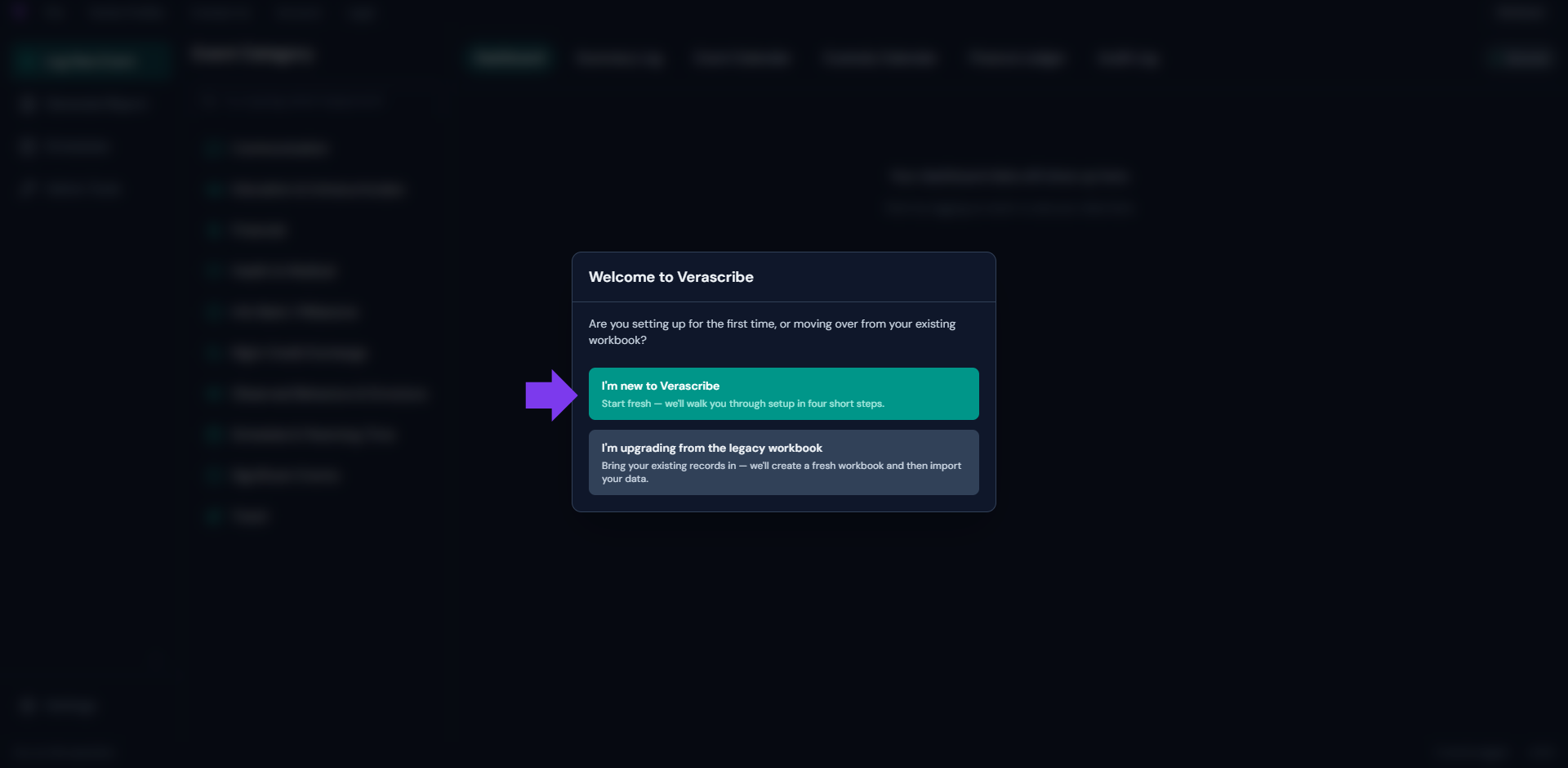
- Select "I'm new to Verascribe".